
Acquisition Analysis Fields
This is the field-by-field reference for the underwriting block you fill in when analyzing an acquisition. The analysis happens first on the acquisition inquiry — before there's a deal or a property — and the same block carries onto the deal when you convert. Read this to know what each field means, which ones drive the Maximum Allowed Offer, and exactly which values survive conversion. For the surrounding workflow (capture, qualify, convert), see Capturing and Converting Acquisition Leads.
Access you'll need. Editing inquiries and deals requires the REDA - Property Acquisition User permission set.
Analysis happens on the inquiry
An acquisition is underwritten while it's still a lead. On the inquiry's status funnel, the Underwriting status marks the phase where you work the numbers. Everything in this reference lives in that block: the deal economics that build your ceiling offer, and the property facts and due-diligence notes that describe the asset. When the lead is qualified and converted, the block copies onto the acquisition deal, where the same calculations run again on the deal's own copies of the inputs.
The MAO engine
The centerpiece of the analysis is the Maximum Allowed Offer (MAO) — the most you should offer. REDA computes it automatically:
Four inputs feed it. You always enter ARV by hand — there's no default source for it. The other three — Estimated Con/Reno Cost, Estimated Holding Cost, and Estimated Profit — can be seeded for you: pick a Profit & Holding Rule (a saved set of market defaults) and REDA fills those three, but only where they are blank. This is blank-only seeding: any figure you've already typed is kept, and the rule never overwrites it. The rule lookup is filtered to rules whose region matches the record's region and whose For value matches its Acq Type. The same formula runs on the acquisition deal after conversion, recomputed from the deal's own inputs.
Field reference — deal economics
The economics block on the inquiry. Labels are shown exactly as they appear on screen.
| Field | Feeds MAO? | Carries to deal? | Notes |
|---|---|---|---|
| Acq Type | Filter only | Yes | Lot or Property; gates which rules you can pick |
| Asking Price | No | Yes | The seller's list price — compare it to the MAO |
| Exit Strategy | No | Yes | Hold · Lazy Asset · Retail · Strategic Asset · Wholesale |
| Loan on Property | No | Yes | Existing-lien flag (Yes/No) for the settlement workflow |
| Estimated After Rent Market Value (ARV) | Yes (+) | Yes | Always entered by hand |
| Estimated Con/Reno Cost | Yes (−) | Yes | Seeded from the rule when blank |
| Estimated Holding Cost | Yes (−) | Yes | Seeded from the rule when blank |
| Estimated Profit | Yes (−) | Yes | Seeded from the rule when blank |
| Estimated Rent | No | Yes | Buy-and-hold yield input |
| Maximum Allowed Offer (MAO) | Computed | Recomputed on the deal | Never typed |
| Profit & Holding Rule | Source of defaults | Yes | Filtered by region and Acq Type |
| Underwrite Complete | No | No | The sign-off flag stays on the inquiry |
| Underwrite Date | No | Yes | The date that travels to the deal |
Field reference — property facts & due diligence
The rest of the block describes the asset itself. It's shared with property-management records, and on the inquiry it captures details in text before any Property record exists. Group it three ways:
| Group | Fields |
|---|---|
| Identify the asset | Property Name/Street Address · Property Zip · Parcel # · Year Built |
| Size it | Beds · Baths · Built Area · Gross Area · Parking Spaces · Parking Notes |
| Condition & context | Reason for Selling · Property Condition · Last Major Repair / Upgrade · Last Occupied Date · Septic/Sewer Details · Water Supply Detail · Lockbox / Access Info |
Underwrite sign-off
Two fields close out the analysis. Underwrite Complete (Yes/No) records that you've finished the numbers, and Underwrite Date stamps when. Move the status to Qualified (or Unqualified) once you've signed off. Remember that statuses are manual — nothing advances them for you.
What carries over on conversion
When you convert the inquiry, nearly the whole block copies onto the acquisition deal — Acq Type, Asking Price, ARV, the three estimates, Estimated Rent, Exit Strategy, the existing-lien flag, Profit & Holding Rule, the address and property facts, and the Underwrite Date. Two things behave differently from what the field help implies:
On the deal, the property-fact fields become a point-in-time snapshot: later edits to the actual Property record don't rewrite the deal's copy. The deal keeps the details as you underwrote them.
Worked example: underwriting Meridian Court
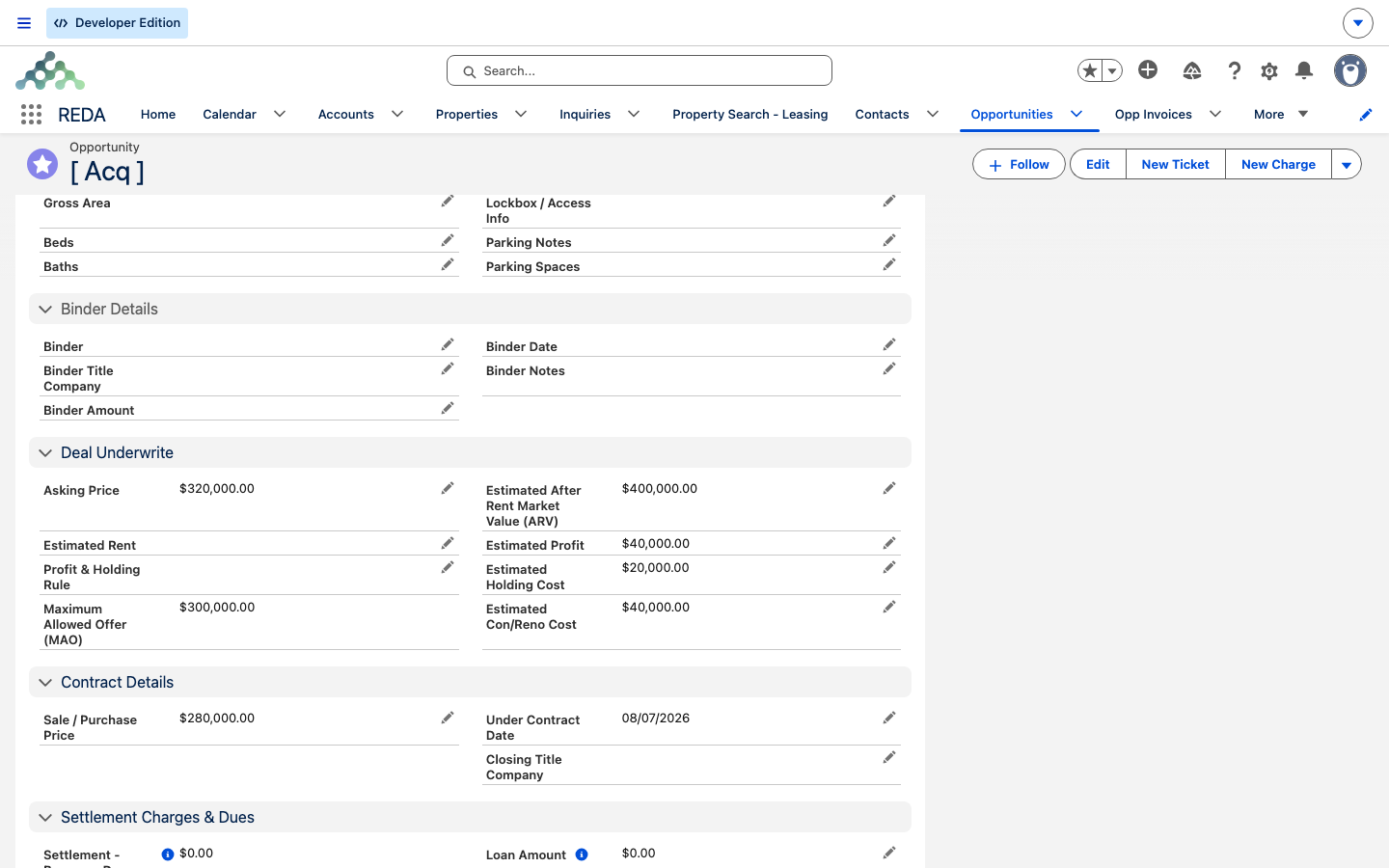
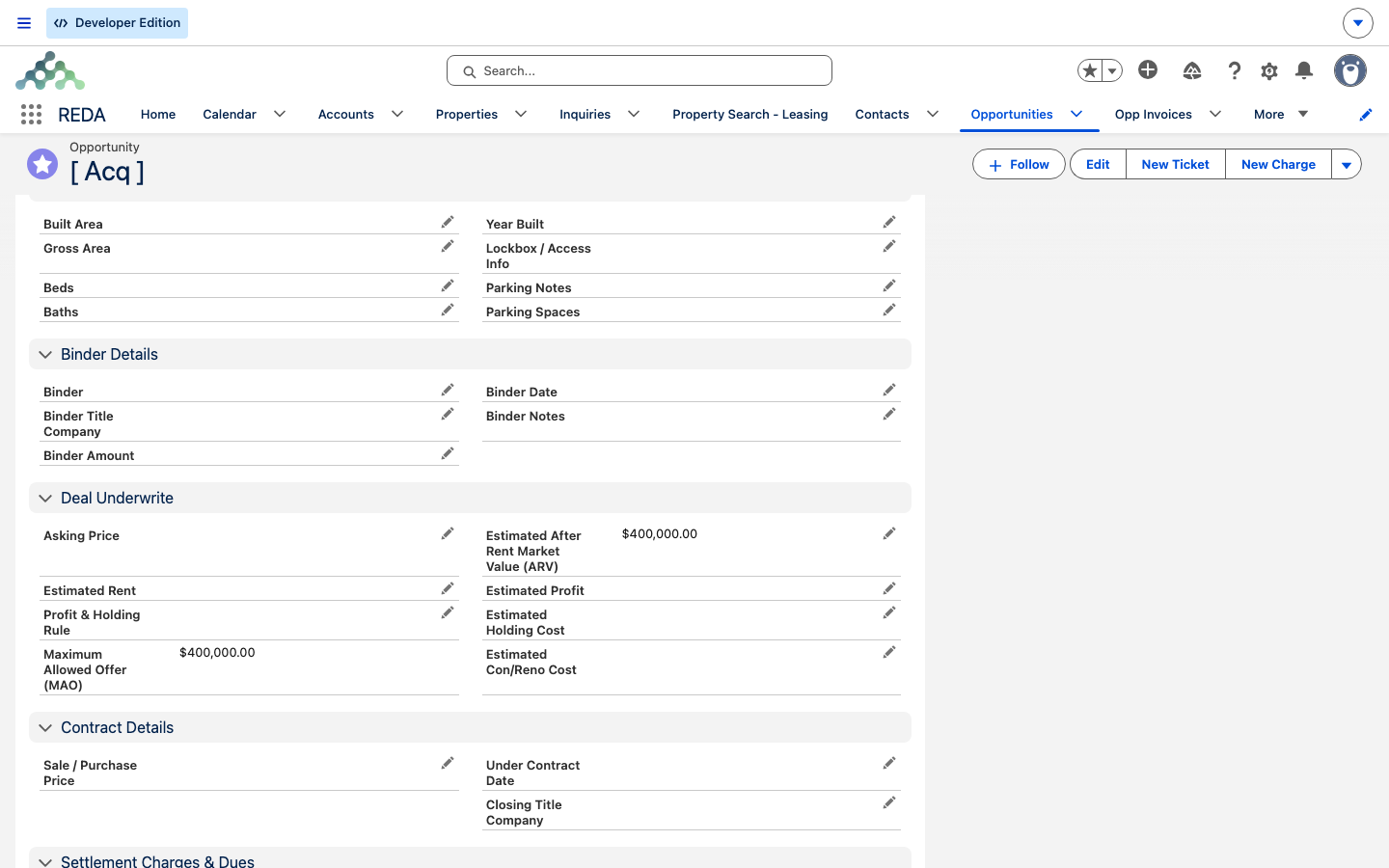
On the inquiry "Meridian Court [ Acq ]", the underwriter enters ARV 400,000 and picks the rule "Harbour District - Property", which seeds Con/Reno 40,000, Holding 15,000, and Profit 45,000:
The MAO of 300,000 is the underwriter's ceiling — the most Meridian should ever pay, not the number they'll offer. With Asking Price 310,000, Exit Strategy Hold, and Estimated Rent 2,800/month, the underwriter plans to open at 280,000 — comfortably under the ceiling with room to negotiate. They set Underwrite Complete to Yes, record an Underwrite Date, and move the status to Qualified. On conversion, the deal carries all these figures and shows a recomputed MAO of 300,000 (the formula runs again on the deal's own inputs and lands on the same result).
Where to go next
- Profit Holding Rules — where the three seeded estimates come from.
- Capturing and Converting Acquisition Leads — the workflow around this analysis block.
- Acquiring a Property — what happens after the deal is qualified and converted.
- How Acquisitions Work in REDA — the whole pipeline map.
Frequently asked questions
All four inputs must be present — it's ARV minus the three estimates. Enter ARV and either pick a rule (to seed the estimates) or type them in.
Seeding is blank-only — the rule fills an estimate only where it's empty. Clear the field first, then re-select the rule to take its default.
It recomputes from the deal's own inputs. If you edited an estimate after converting, the deal's MAO follows the deal's values rather than the inquiry's.
It stays on the inquiry. Only the Underwrite Date carries over to the deal.
Lockbox / Access Info is security-sensitive. Its visibility is an administrator decision — restrict it to the people who genuinely need access.
Was this article helpful?