
Child Leases
Sometimes one tenant takes more than one thing: an apartment plus a parking bay, a shop plus a storage unit, two adjacent office suites under a single agreement. REDA handles this with child leases — extra leases attached beneath a master lease so they move, approve, and renew together while each keeps its own charges and invoices. This article explains what a child lease is, how to create one, the rules that keep parent and child consistent, and — most importantly — what the parent pushes down automatically, so you stop editing children by hand and wondering why values snap back.
Access you'll need. Creating child leases requires the REDA - Property Leasing User permission set.
What a child lease is
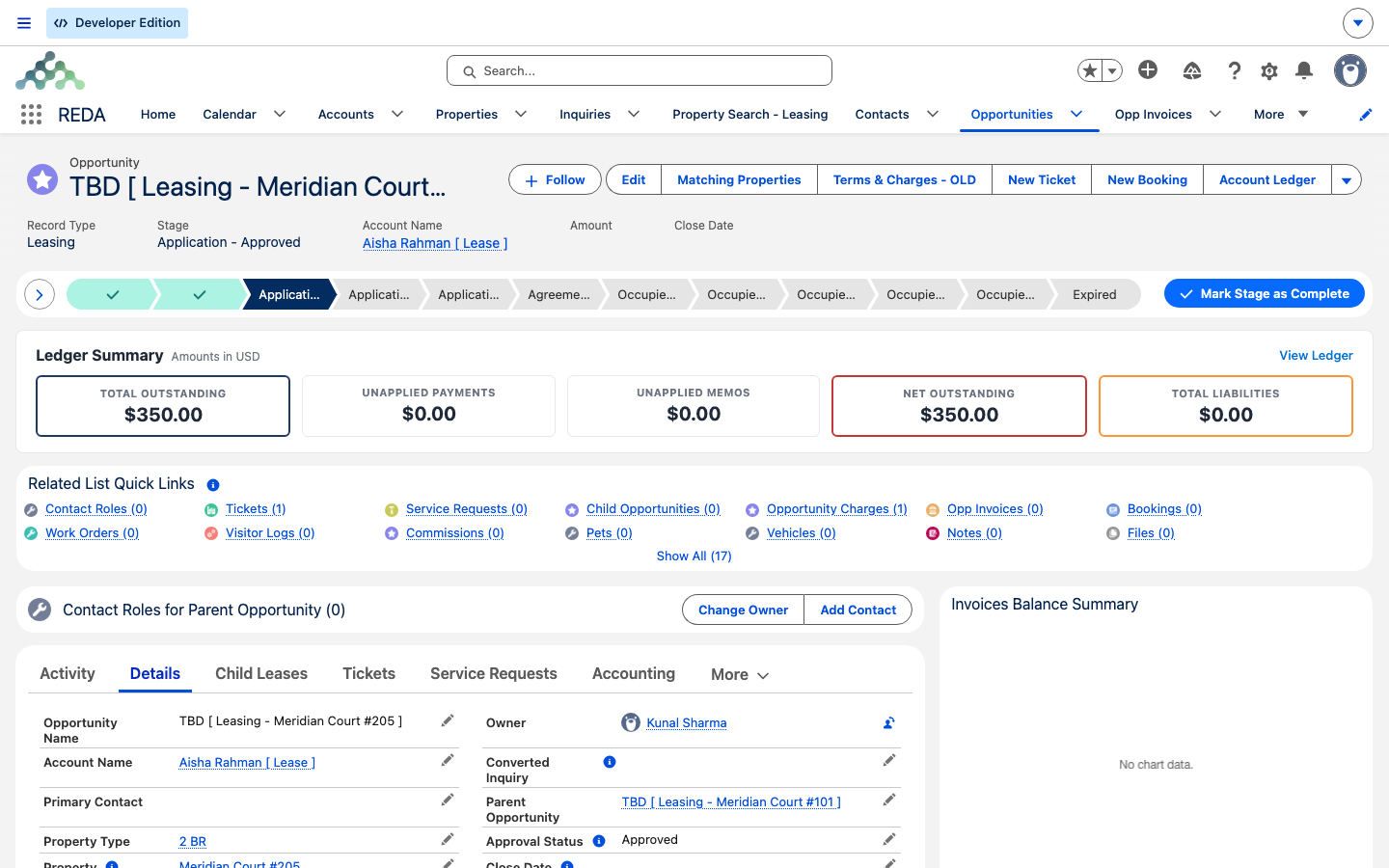
A child lease is an ordinary lease that points at another lease as its Parent Opportunity. The parent is the master agreement; the children are additional units billed under it. One tenant, one master lease, several units — that's the shape.
Two things define the relationship:
- One level only. A child cannot itself have children. The hierarchy is exactly one deep — a master lease and its children, never grandchildren.
- One tenant account. Every unit under the master belongs to the same tenant account. Child leases are for one tenant holding several units — not for splitting a single unit between roommates.
Creating a child lease
The supported way to add a child is the Add Child Lease(s) action on the parent lease. REDA only offers it while the parent is still an early-stage draft, because children are always added before the master is approved. Specifically, the parent must:
- have a Property set;
- not yet be active or billable (still in its application stage);
- not itself be a child of another lease;
- have no move-out date and an approval status of Draft.
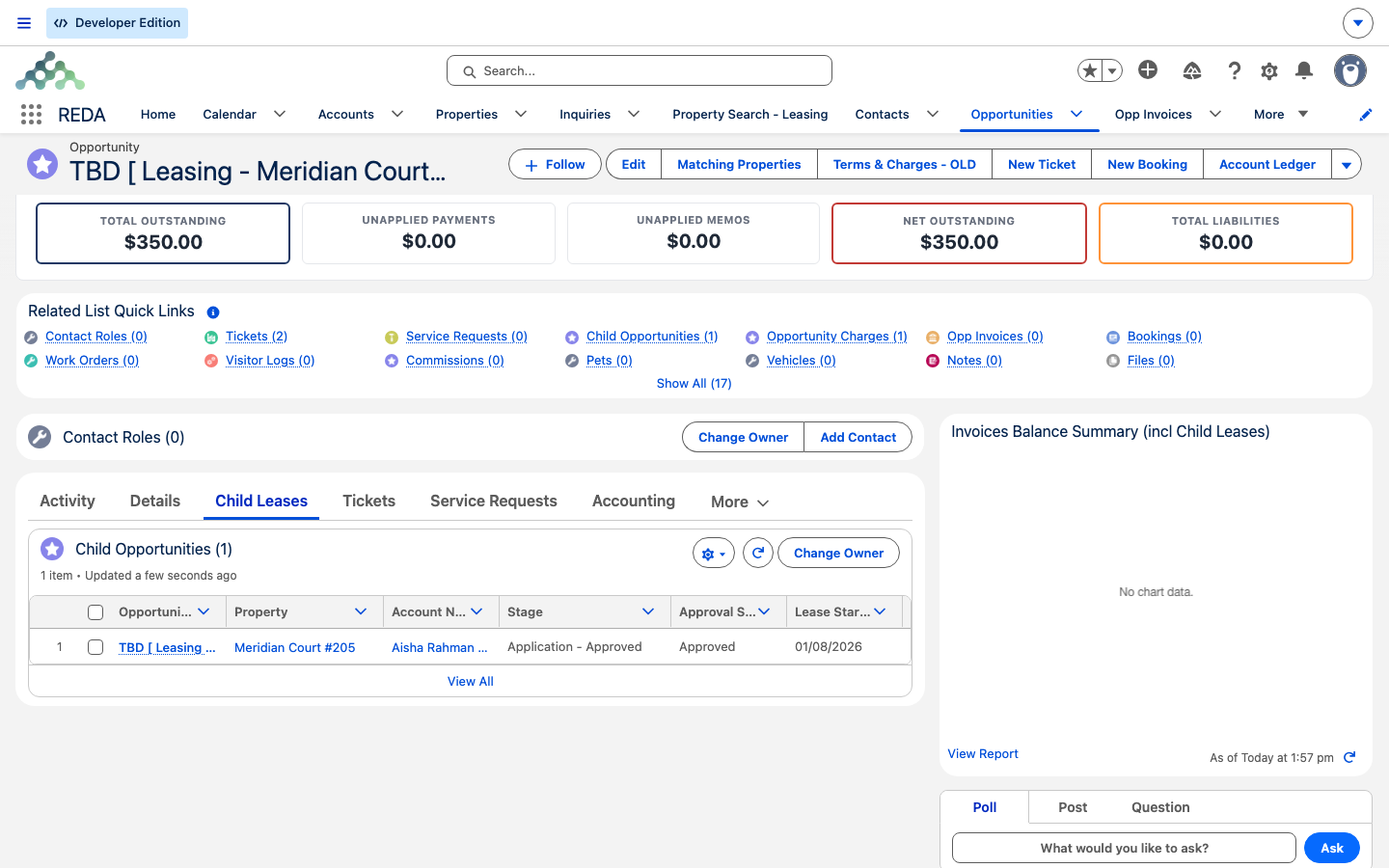
Click Add Child Lease(s), choose the additional unit and its details, and save. The new child appears on the parent's Child Leases tab. Add its own charges (each child needs its own chargebook — see Setting Up Lease Charges) before you approve the master.
The rules that keep parent and child consistent
REDA enforces a few rules at save time so the family always makes sense. Each is quoted exactly as it appears:
| Rule | What REDA shows if you break it |
|---|---|
| The child must use the same tenant account as the parent | "Invalid Account. Account must be the same as on Parent Opportunity." |
| The child must be a different unit from the parent | "Property cannot be same as on Parent Opportunity." |
| A lease that already has a parent can't be chosen as a parent | "Parent Lease must not be associated to a Parent Opportunity" |
Together these guarantee the single-level, single-tenant, distinct-unit shape the feature is built around.
What the parent pushes to children automatically
This is the part that surprises people. A master lease keeps its children in step by pushing certain changes down to them. You work the parent; REDA updates the family. What flows down:
Children through the lifecycle
Children ride the master's lifecycle, with two differences worth knowing:
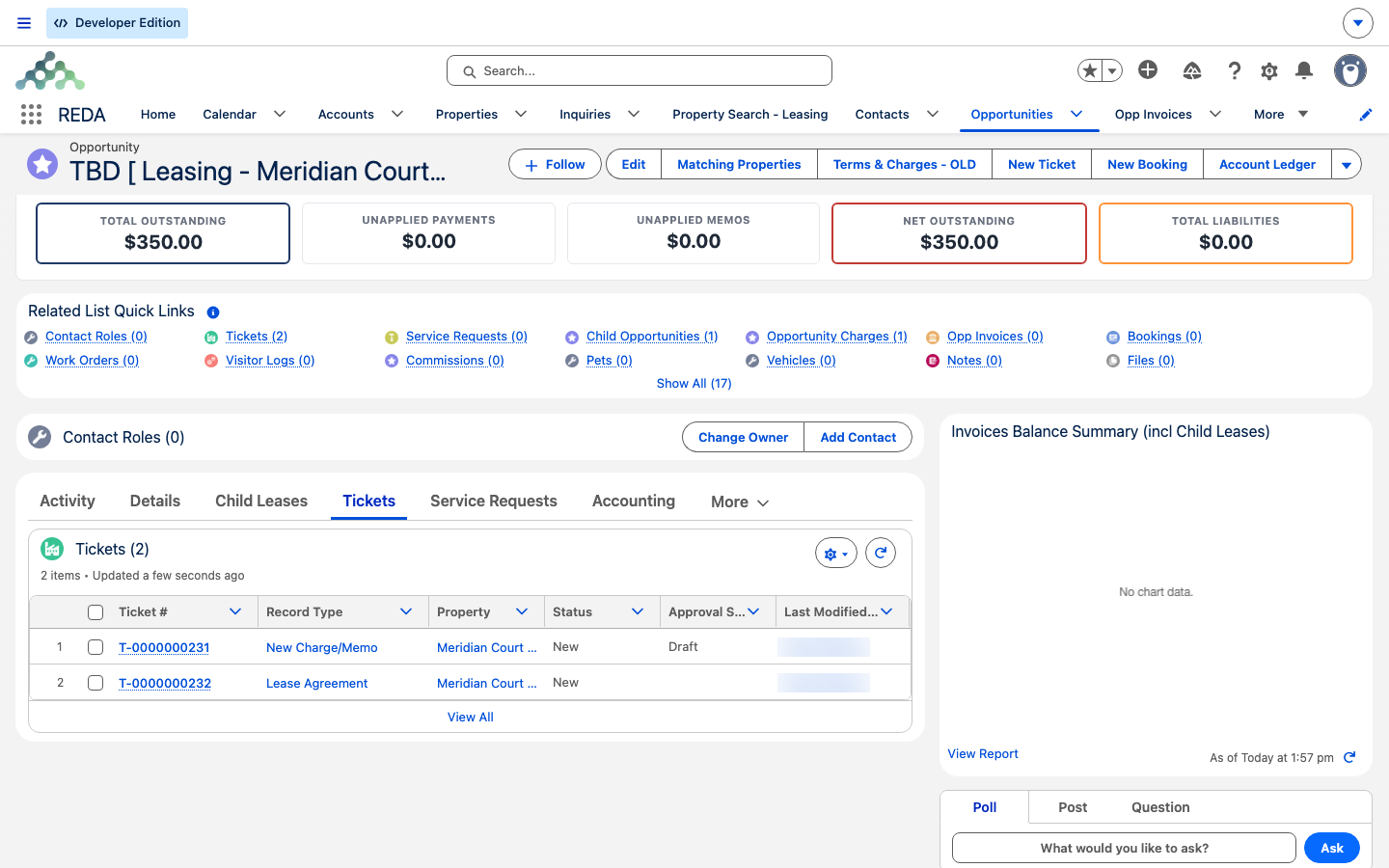
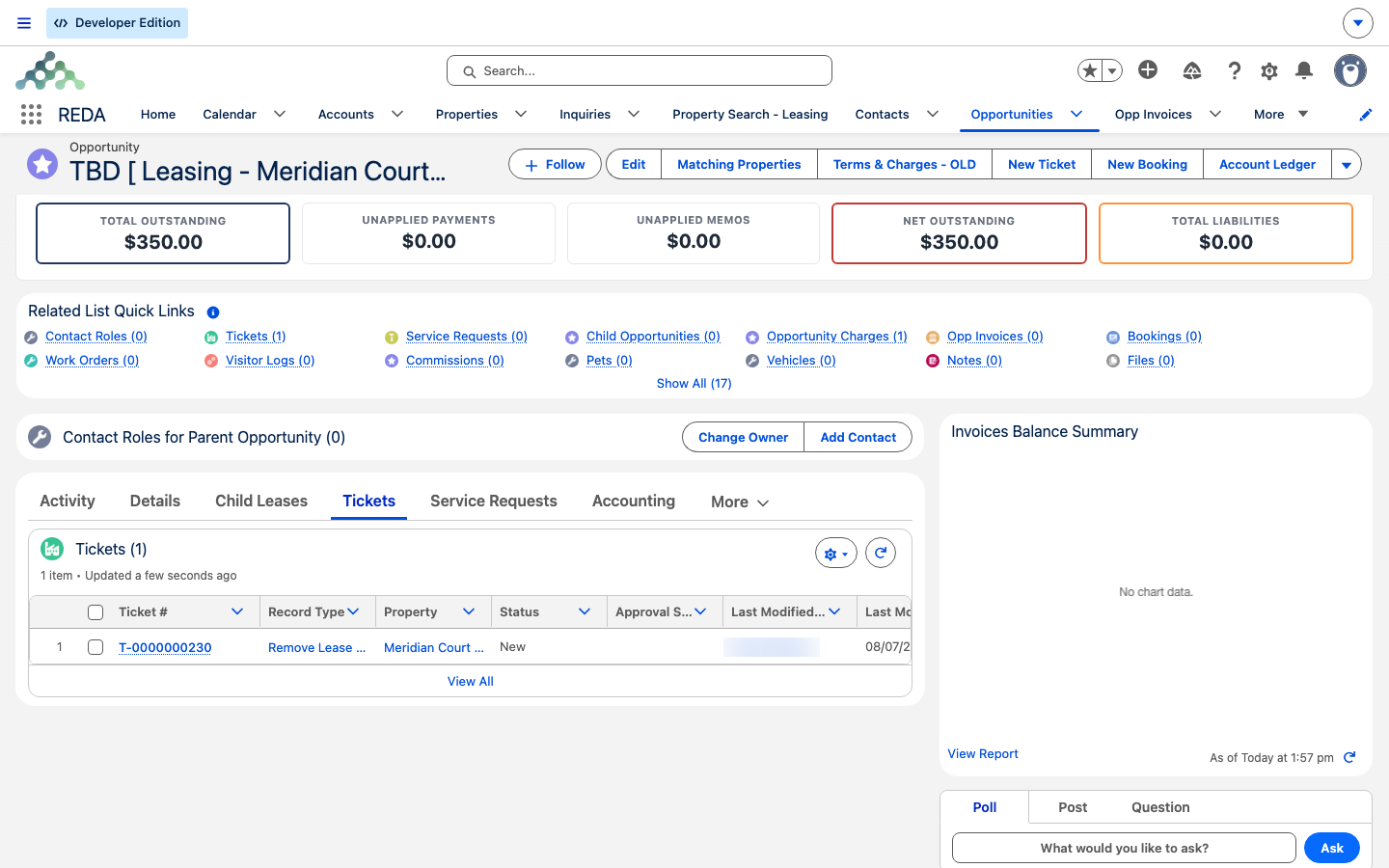
- No Lease Agreement ticket of their own. When the master is approved, REDA raises the Lease Agreement ticket on the parent only. Children don't get their own — the master's agreement covers the family. When that agreement is signed, REDA links the agreement onto the charges of the parent and every synced child, so the paperwork and the money stay together.
- Their own Move In ticket. When the family reaches
Occupied - Pending Move In, each child does get its own Move In ticket, just like the parent. Move-in is per unit.
For the full journey those tickets drive, see From Application to Move-In.
Money and reporting
Each lease in the family bills its own charges and raises its own invoices — a child's rent is the child's rent. The master's headline totals cover the master only; they do not roll the children's amounts in. For a combined view across the family, REDA stamps the master lease onto each child's charge and invoice lines, so building-level or master-lease reports can total the family together. Use those combined reports rather than reading the master's own balance as the whole picture.
Worked examples
Residential — apartment plus parking. Aisha Rahman signs for Meridian Court #101 at 1,200.00 per month (the master) and also wants Meridian Court Parking Bay #12 at 150.00 per month. While the application is still in Draft, you open the apartment lease, click Add Child Lease(s), and create the parking lease as a child. You add the 150.00 parking rent on the child. When you approve the master, approval cascades to the parking lease; as the agreement is signed the stage cascades too. Each lease invoices its own rent, but the parking lease follows the master's lifecycle and renewal dates.
Commercial — two adjacent suites. A company account leases Harbour Tower Suite 300 (the master) and the adjacent suite next door (a child), both on 36-month terms under one agreement. Because both suites share the same tenant account, they qualify as a master and child rather than two unrelated leases. When you renew the master, the renewal pushes the renewed-till date down to the child, so both suites extend together — there's no separate renewal to remember for the second suite, and no risk of the two drifting to different end dates.
Reference: parent vs child behavior
One row per behavior, showing how the master and its children differ:
| Behavior | Master lease | Child lease |
|---|---|---|
| Lease Agreement ticket at approval | Created automatically | Not created — parent only |
| Charges linked to the agreement at signing | Yes | Yes — when the master syncs its children |
| Move In ticket at pending move-in | Created | Created — per unit |
| Stage changes | User- / ticket-driven | Pushed from the master while still on the master's prior stage |
| Approval status | User-driven | Pushed from the master when different |
| Renewal agreement & renewed-till date | Written by the Renewal ticket | Pushed from the master on change |
| Primary contact | From the primary contact role | Cascaded from the master |
| Own chargebook & invoices | Yes | Yes — master stamped on lines for rollups |
| Can have children of its own | Yes | No — single level only |
Where to go next
- The Lease Record — what every field and tab on a lease means.
- From Application to Move-In — the lifecycle the family moves through together.
- Setting Up Lease Charges — build each child's own chargebook.
- Renewing a Lease — how a master's renewal extends its children.
- Contact Roles — for roommates sharing one unit (not a child lease).
Frequently asked questions
Because it already has a parent of its own, and the hierarchy is only one level deep: "Parent Lease must not be associated to a Parent Opportunity". Choose a top-level master lease as the parent instead.
Every unit in a family belongs to one tenant: "Invalid Account. Account must be the same as on Parent Opportunity." If the units belong to different tenants, they are separate leases, not a parent and child.
A child must be a different unit: "Property cannot be same as on Parent Opportunity." For several people in one unit, use contact roles on a single lease rather than a child lease.
Approval requires charges on the children too: "Leasing Opportunity can not be approved if Opportunity Charges are not provided. If Leasing Opportunity has child leases, then Opportunity Charges on the child leases must be provided as well." Add each child's chargebook first.
By design. The stage cascade only touches children still sitting on the master's previous stage. A child you moved independently is left alone, so your manual change survives.
No. Each lease shows its own money. For a combined family total, run a report using the master stamped on each child's charges and invoices — that's the intended way to roll the family up.
Was this article helpful?