
REDA Editions: Platform vs Sales Cloud
REDA ships in two editions that are the same product with a few different names on the front. The Platform edition brings its own prospect object — the Inquiry — while the Sales Cloud edition uses the standard Salesforce Lead instead. A handful of other objects are renamed the same way, and one edition has a few features the other doesn't. This is the master reference for all of it: how to tell which edition you're on, how to translate every renamed object both ways, and which features live in only one edition. Every other article in this Help Center that shows an edition difference links back here rather than repeating the mapping, so this is the one page to bookmark.
Access you'll need. None — this article is reading only. Permission-set labels mostly match across the two editions, but not entirely, and nine sets exist in only one edition — see For administrators.
Two editions, one product
Start from the right expectation: the two editions behave the same and use the same labels almost everywhere. Parity is the default; differences are the exception, and this article lists every exception. The reason two editions exist is simply how each one is built on top of Salesforce — the Platform edition supplies its own version of a few standard objects, while the Sales Cloud edition rides the standard Salesforce ones. For a day-to-day user, that surfaces as a small set of renamed objects and a couple of features that appear in one edition only.
Throughout this Help Center, the Platform edition labels are the primary ones — so articles say Inquiry, Opportunity, Promotion, Service Request, and Contact Role. Where a Sales Cloud reader sees a different label, the article carries a short callout pointing back here.
Which edition am I on?
You don't need an administrator or a settings page to tell — the nav bar gives it away:
Both editions install the same two apps — REDA and REDA Admin — so the tab that tells them apart is the prospect object, not the app.
The object mapping table
This is the load-bearing reference. Each row is a concept, shown with the label you see in each edition. Read across to translate either way:
| Concept | Platform edition | Sales Cloud edition | Notes |
|---|---|---|---|
| Prospect / lead | Inquiry (Inquiries tab) | Standard Lead (Leads tab) | The deepest difference — conversion, duplicates, and merge all work differently (below) |
| Deal / lease / sale | Opportunity | Standard Opportunity | Same record types, same stage ladders in both editions |
| Service / maintenance request | Service Request | Standard Case | The fields differ most here — the Platform edition has its own subject, status, and priority fields |
| Leasing promotion | Promotion (Promotions tab) | Standard Campaign (with a "Leasing Promotion" record type) | The Platform edition's Promotion has no record types |
| Deal contact linkage | Contact Role (richer — email, phone, council fields) | Standard Opportunity Contact Role | Same purpose, more fields on the Platform edition |
| Campaign membership | — none — | Standard Campaign Member | The Platform edition has no equivalent |
| Lead conversion | Convert Inquiry action (creates Account, Contact, Opportunity, and primary Contact Role) | Standard Lead conversion | Different mechanisms, same result — an identical-looking deal |
| Duplicates & merge | REDA's own duplicate detection and Merge Duplicates tools on the Inquiry | Standard Salesforce duplicate management and merge | — |
What this means day to day
On the objects both editions share, the labels are the same — the same field names on a lease, a property, an invoice. The renames you actually notice show up in lookups and related lists, where one edition's object name appears in place of the other's:
| Where you see it | Platform edition label | Sales Cloud edition label |
|---|---|---|
| The lookup on a Booking or Work Order | Service Request | Case |
| The lookup on an Opportunity Charge | Leasing Promotion | Campaign |
| The reference on a referral ticket | Referred Inquiry | Referred Lead |
| An edition-specific field on Property | Property Code (Platform-only) | Bulk Communication Campaign (Sales Cloud-only) |
| The prospect's type field | Inquiry Type | Lead Type |
Beyond those, you can trust parity. Property is effectively identical in both editions apart from the one edition-specific field above; the core leasing and finance records — leasing rules, invoices, payment plans, inspections, commissions, councils, portfolios, and the rest — carry the same fields on both sides. Only the mapped objects above, and the referral fields on tickets, differ.
Features only in one edition
A short list of capabilities lives in one edition and not the other. The wording here is deliberate: the roadmap isn't published, so a missing feature is described as "not included at this time," never as "coming."
| Feature | Platform edition | Sales Cloud edition |
|---|---|---|
| Workflow Rules engine | Not included at this time | Available |
| Standard approval flow suite (approver fields on deals, tickets, work orders) | Not included at this time | Available |
| Approvals on Work Orders | Not included at this time | Available |
| Campaign Members and campaign-member automation | No equivalent | Available (standard) |
| Bulk Communication Campaign field on Property | — | Available |
| REDA's own Inquiry conversion engine | Available | Uses standard Lead convert |
| REDA duplicate detection & Merge tools | Available (on the Inquiry) | Uses standard duplicate management |
| Service Request, Work Order & Duplicate Management permission sets | Available | Not shipped |
| Multi Factor Authentication permission sets | Not shipped | Available (Admin and User) |
| Email routing into records — Email‑to‑Inquiry and Email‑to‑Service‑Request, with an Unmatched Email queue for anything the router can't place | Available | Not included at this time |
For administrators
A few things matter when you're setting up or auditing an org rather than using it:
REDA_Property_Acquisition_User, REDA_Property_Leasing_User and so on in the Platform edition, but REDA_Acquisition, REDA_Leasing, REDA_Lending, REDA_Property_Management and REDA_Sales in the Sales Cloud edition — so an assignment script, a permission set group or a SOQL filter written for one edition will silently match nothing in the other. Second, four sets differ by a hyphen in the label: Inspection Manager, Inspection User, Invoice Management Admin and Invoice Management Read Only read REDA - Inspection Manager in the Platform edition and REDA Inspection Manager in the Sales Cloud edition. Match on the API name, and copy the label from your own org rather than from a document.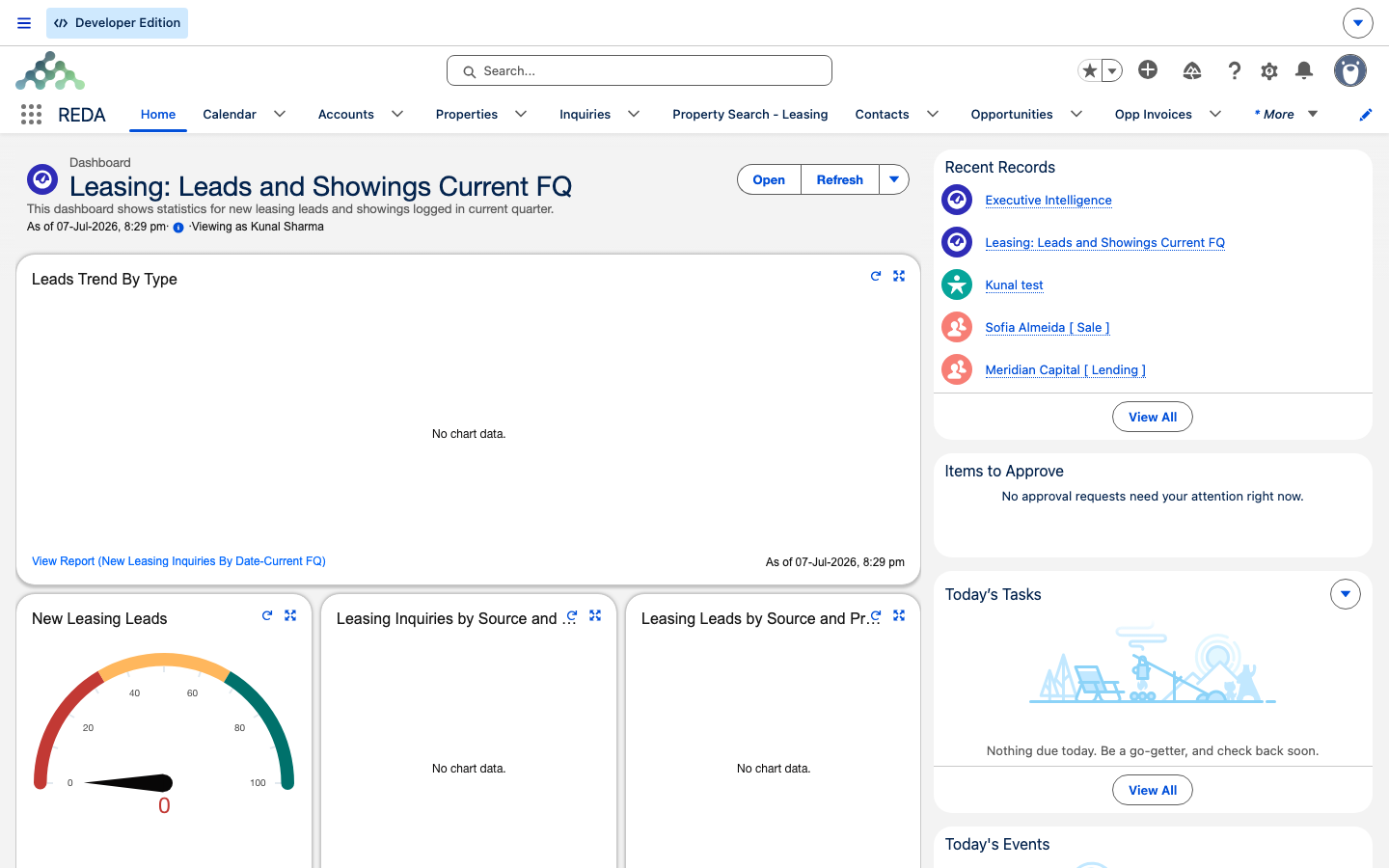
The standard edition callout
Wherever an article shows a Platform-edition label that a Sales Cloud reader sees differently, it carries this callout, which points back to this page:
Where to go next
- About REDA — what REDA is and how its pieces fit together.
- Understanding Inquiries — the prospect object at the heart of the edition difference.
- Converting Inquiries — the Convert Inquiry action, step by step.
- Service Requests — the maintenance object the Sales Cloud edition calls a Case.
- Leasing Promotions — Promotions in the Platform edition, Campaigns in Sales Cloud.
- Contact Roles — how contacts attach to a deal in each edition.
Frequently asked questions
Check the REDA nav bar. An Inquiries tab means the Platform edition; the standard Leads tab means the Sales Cloud edition.
Mostly they match. The exceptions are the mapped objects in the table above and a short list of one-edition features: Workflow Rules and the standard approval suite are Sales Cloud only, while REDA's own Inquiry conversion and Duplicate & Merge tools are Platform only.
The Platform edition has no equivalent to Campaign Members. Promotions attach to inquiries and charges instead of tracking membership records.
The screenshots show the Platform edition. If you're on the Sales Cloud edition, your screens differ only where the mapping table on this page says so — chiefly Lead in place of Inquiry, Case in place of Service Request, and Campaign in place of Promotion.
Was this article helpful?