
The Ticket Catalog
This is the browsable directory of every ticket type in REDA — the seventeen kinds of ticket that run the business processes behind your deals and properties. For each one it tells you what the ticket does, which kind of deal it attaches to, what it stamps or spawns when it closes, and whether REDA creates it for you or you raise it by hand. Come here when your question is "which ticket do I use for this, and what will it do?" — find the row, read the effect, and follow the link to the how-to that owns it. This is the catalog, not the engine: for why moving a ticket moves its deal, and the cancellation that rewinds a stage, read Understanding Tickets first; for the exact status set of each type, see the Ticket Status Reference.
Access you'll need. Creating and editing tickets requires one of the operational permission sets that matches your business line — REDA - Property Leasing User, REDA - Property Sales User, REDA - Property Acquisition User, REDA - Property Management User, or REDA - Property Lending User. Ask your administrator to assign the set that fits your role.
How to read this catalog
Every ticket is exactly one of seventeen types, and the type decides everything about the ticket: which deal it may attach to, the statuses it can move through, and the automation that runs when you close it. Moving a ticket's Status is how you run its process, and the deal's stage follows the ticket — that mechanism is the subject of Understanding Tickets, and this catalog assumes it.
The master table below has one row per type and five columns:
| Column | What it tells you |
|---|---|
| Ticket type | The exact type label you'll see on the ticket, grouped by business area. |
| What it does | The process the ticket runs, in one line. |
| Attaches to | The kind of deal the ticket must sit on. Each type is gated — pick the wrong deal and REDA blocks you (see Deal-type gates). |
| What it does when it closes | The records it stamps, updates, or spawns — the reason the ticket exists. |
| Created by | Whether REDA raises the ticket for you (and its trigger) or you raise it by hand. |
Every ticket is auto-numbered — T-0000000001 and up — and carries a common set of fields regardless of type: Parent Opportunity (the deal), Property, Status, Approval Status, Escalation & Priority (Low, Medium, or High), Description, and Parent Ticket. The rest of a ticket's fields depend on its type.
The catalog: all seventeen types
Grouped by business area. Skim to your type, read the effect, and use the how-to map at the end to jump to its full walkthrough.
| Ticket type | What it does | Attaches to | What it does when it closes | Created by |
|---|---|---|---|---|
| Leasing | ||||
| Lease Agreement | Signs a lease | Leasing deal in an application stage | Moves the deal to "Occupied - Pending Move In," links the lease's charges, and creates the Move In ticket | REDA — when the lease reaches "Application - Approved" |
| Move In | Executes the move-in | Leasing deal in "Occupied - Pending Move In" | Records the move-in date and moves the deal to "Occupied - No Notice"; can book a move-in inspection | REDA — when the lease reaches "Occupied - Pending Move In" |
| Renewal | Runs a lease renewal end to end | Leasing deal in "Occupied - No Notice" | Records the renewal, restarts invoicing, and creates the next Renewal; an opt-out spawns a child Move Out | REDA — when renewal automation is on (and each closed renewal creates the next) |
| Move Out | Executes the move-out | Occupied leasing deal | Records the move-out date and moves the deal to "Expired"; can book a move-out inspection | You, or spawned by an Eviction, Termination, or opted-out Renewal |
| Eviction | Runs an eviction | Occupied leasing deal | Sets the eviction notice stage; on close, spawns a child Move Out ticket | You |
| Termination | Runs an early termination | Occupied leasing deal | Sets the termination notice stage; on close, spawns a child Move Out ticket | You |
| Add Lease Charge | Adds a charge to an active lease | Leasing deal | Creates a recurring or one-time charge on the lease | You |
| Remove Lease Charge | Retires an active lease charge | Leasing deal | Stamps an inactive date on the charge — a soft retire, never a delete | You |
| New Charge/Memo | Bills a one-off charge or credit memo | Leasing deal | Creates an invoice directly — a positive charge or a negative credit memo | You |
| Tenant Referral | Logs a resident's referral | Leasing deal with an active tenant | Creates the referee's inquiry; both bonuses are paid later, when the referred lease goes active | You |
| Billing | ||||
| Inflation Adjustment | Applies an inflation index to lease charges or rent setup | Leasing deal or property | Re-rates the charges when it closes; generated in bulk and often already closed, so creation is execution | REDA — the inflation engine, in bulk |
| Property management | ||||
| PMA (Property Management Agreement) | Signs a management agreement | Closed-won Property Sale or Property Management deal | Moves the deal to "Under Contract" and stamps the agreement and PM entity onto the property | You |
| Sales & acquisitions | ||||
| Sales - Purchase & Sales Agreement | Contracts a property sale | Property Sale deal | Walks the deal to "Under Contract" and maintains the property's sale status | You |
| Acq - Purchase Agreement | Contracts an acquisition | Acquisition deal | Moves the deal to "Under Contract" | You |
| Lending | ||||
| Loan Disbursement | Records a loan draw | Closed-won Lending deal | Once closed, the disbursed amount rolls up to the property, the lending deal, and the acquisition deal | You |
| Loan Payoff | Pays off a loan from escrow | Closed-won Lending deal | Once closed, reduces the outstanding principal; escrow and principal caps are enforced first | You |
| Community | ||||
| New Package/Parcel | Logs a parcel at the front desk | Property / resident (no deal) | Moves from Received to Handed Over with a captured signature | You — via the New Package / Parcel action |
Auto-created, born-closed, and manual
Knowing which tickets REDA raises for you explains most of the "where did this come from?" moments. There are three ways a ticket comes into being.
Deal-type gates at a glance
Each type may only attach to a specific kind of deal, in a specific stage. Choose the wrong one and REDA stops you at save with a message. Here's the gate for each type, quoted exactly as REDA shows it — the same messages appear, with fixes, in Ticket Troubleshooting.
| Ticket type | Message when the deal is wrong |
|---|---|
| Lease Agreement | "Only Leasing Opportunity in Application Stage can be selected." |
| Move In | "Only "Occupied - Pending Move In" Leasing Opportunity can be selected." |
| Renewal | "Renewal Request can be created for Leasing Opportunity in stage "Occupied - No Notice"." |
| Move Out | "Only "Occupied" Leasing Opportunity can be selected." |
| Eviction / Termination | "Only Occupied Leasing Opportunity can be selected." |
| Add Lease Charge / Remove Lease Charge | "Only Leasing Opportunity can be selected" |
| Acq - Purchase Agreement | "Only Acquisition Opportunity can be selected." |
| Sales - Purchase & Sales Agreement | "Only Property Sale Opportunity can be selected." |
| PMA (Property Management Agreement) | "Opportunity on Ticket type "PMA" must of type closed won "Property Sale" or "Property Management"." |
| Loan Disbursement / Loan Payoff | "Only Closed Won Lending Opportunity can be selected." |
| Tenant Referral | "Only active tenants can make a referral." |
Using the catalog: three quick lookups
The catalog earns its keep as a lookup. Three examples of finding the row and following it out:
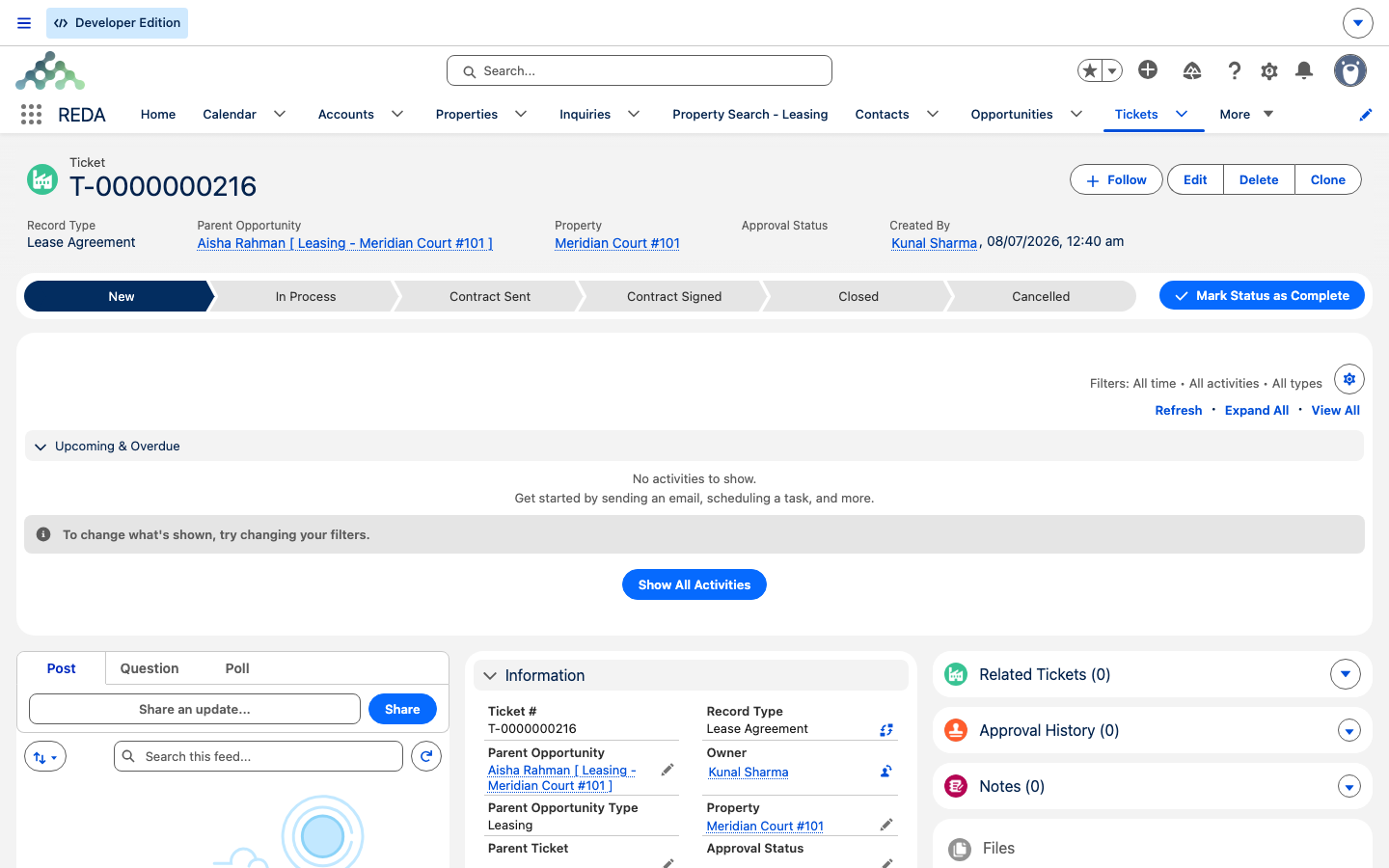
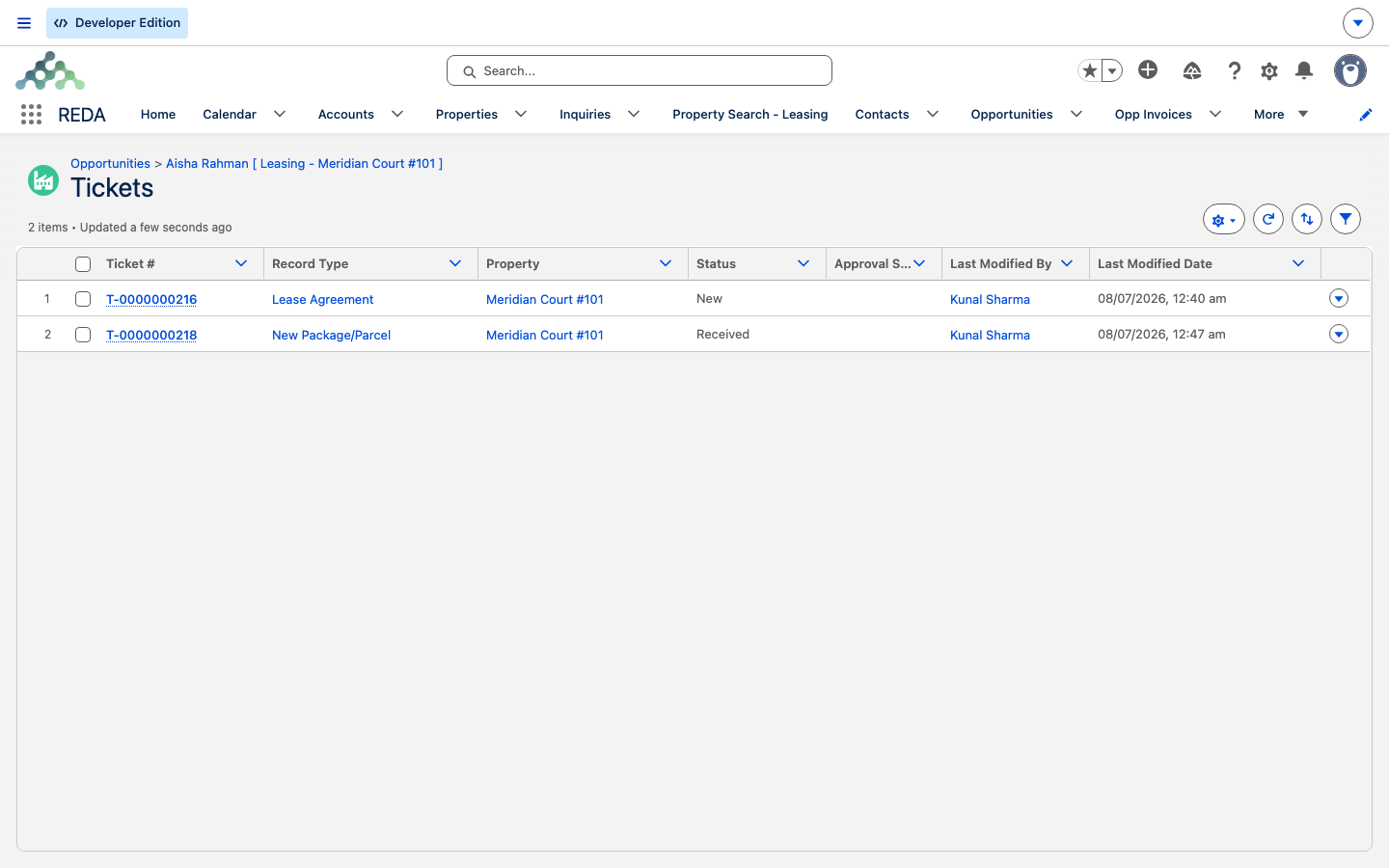
- A leasing agent needs to add a monthly parking charge to Aisha Rahman's active lease on Meridian Court #101. The catalog points to Add Lease Charge — it creates a recurring charge on the lease when it closes — owned by Adjusting Lease Charges.
- An acquisitions user is recording a signed purchase contract for Harbour Villa 7. The catalog points to Acq - Purchase Agreement — it moves the deal to "Under Contract" — owned by The Acquisition Lifecycle.
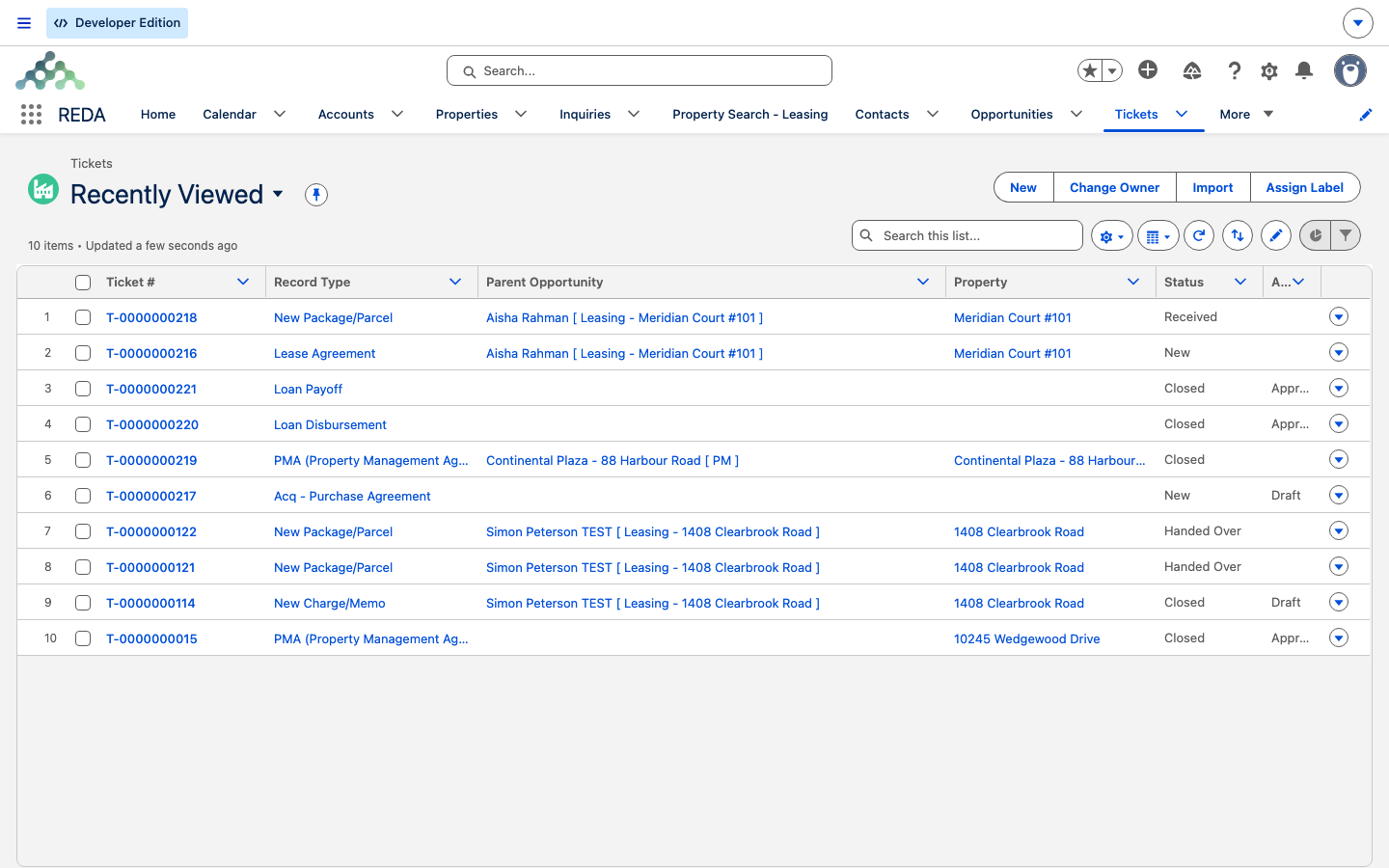
- The front desk logs a parcel that just arrived for a resident. The catalog points to New Package/Parcel — Received, then Handed Over with a signature — owned by Packages & Parcels.
Where each how-to lives
This catalog is the map; each business process has its own step-by-step article that owns the detail.
| Ticket type | Full how-to |
|---|---|
| Lease Agreement, Move In | From Application to Move-In |
| Renewal | Renewing a Lease |
| Move Out | Notice, Move-Out & Lease End |
| Eviction, Termination | Eviction & Termination |
| Add Lease Charge, Remove Lease Charge, New Charge/Memo | Adjusting Lease Charges |
| Tenant Referral | Tenant Referrals |
| Inflation Adjustment | Inflation Adjustments |
| PMA (Property Management Agreement) | PM Agreements |
| Sales - Purchase & Sales Agreement | The Sale Lifecycle |
| Acq - Purchase Agreement | The Acquisition Lifecycle |
| Loan Disbursement, Loan Payoff | Disbursements & Payoffs |
| New Package/Parcel | Packages & Parcels |
Where to go next
- Understanding Tickets — the engine behind the catalog: why moving a ticket moves its deal, and the cancel that rewinds a stage.
- Ticket Status Reference — the exact status set of every type, which is the default, and what each move does.
- Ticket Troubleshooting — every "why can't I create, close, or cancel this?" message, decoded.
Frequently asked questions
Skim the catalog table to the "what it does" line that matches your task, read the effect, and follow the how-to link for that type. The three quick lookups above show the pattern.
Four: Lease Agreement, Move In, Renewal, and the child Move Out. Each has a trigger — see the auto-created section for exactly when it appears. Inflation Adjustment tickets are also system-generated, in bulk, and often arrive already closed.
Inflation Adjustment tickets are generated by the system and execute the instant they exist. Closed means the work is done; Processing Error means it needs attention.
Each type is gated to a specific kind of deal, in a specific stage — the deal-type gates table lists the exact message for each type. For example, an Acq - Purchase Agreement only accepts an acquisition deal: "Only Acquisition Opportunity can be selected."
Add Lease Charge creates a recurring or one-time charge on the lease, which then bills on its schedule. New Charge/Memo bills a single amount straight to an invoice — a positive charge or a negative credit memo — without adding anything to the lease.
Was this article helpful?